About Featured All Work Contact

Introducing Non-Destructive Editing in Procreate

Concept Project Product Design UX / UI Research

What started as a tweet…

...became a project.

This project began as a simple question: why doesn't Procreate support adjustment layers? What started as a tweet evolved into a deeper exploration of how creators manage non-destructive editing in professional workflows.
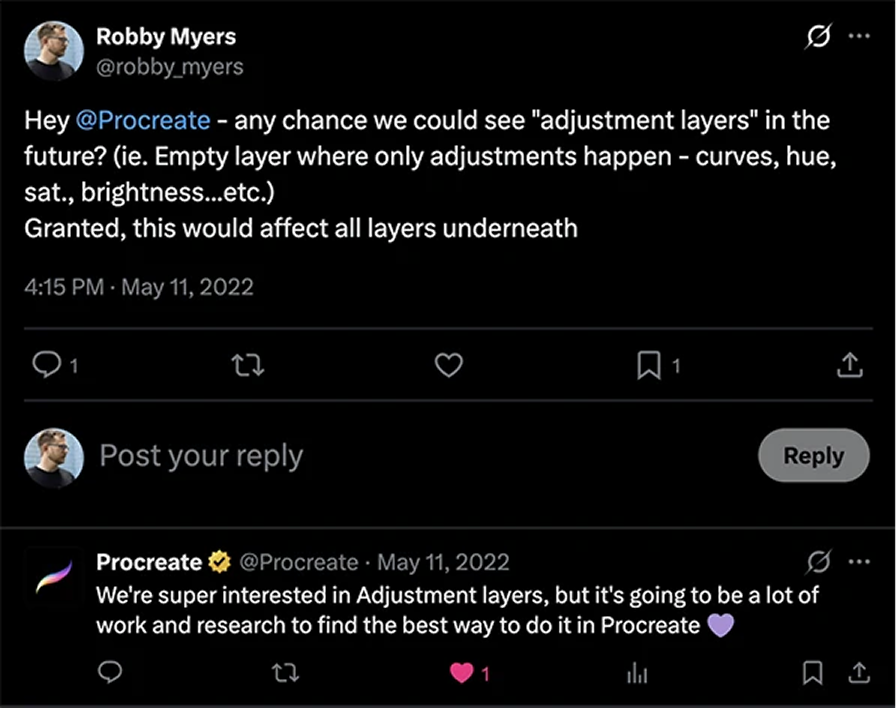
The tweet that started the project

Problem — Solution

From Friction to Flow

Cognitive Load
  • 01Adjustments are destructive and tied to individual layers with no undo path
  • 02Artists forced to export to Photoshop for basic color grading
  • 03Layer duplication workarounds increase file bloat and risk
  • 04Creative momentum breaks during tool-switching
The Solution
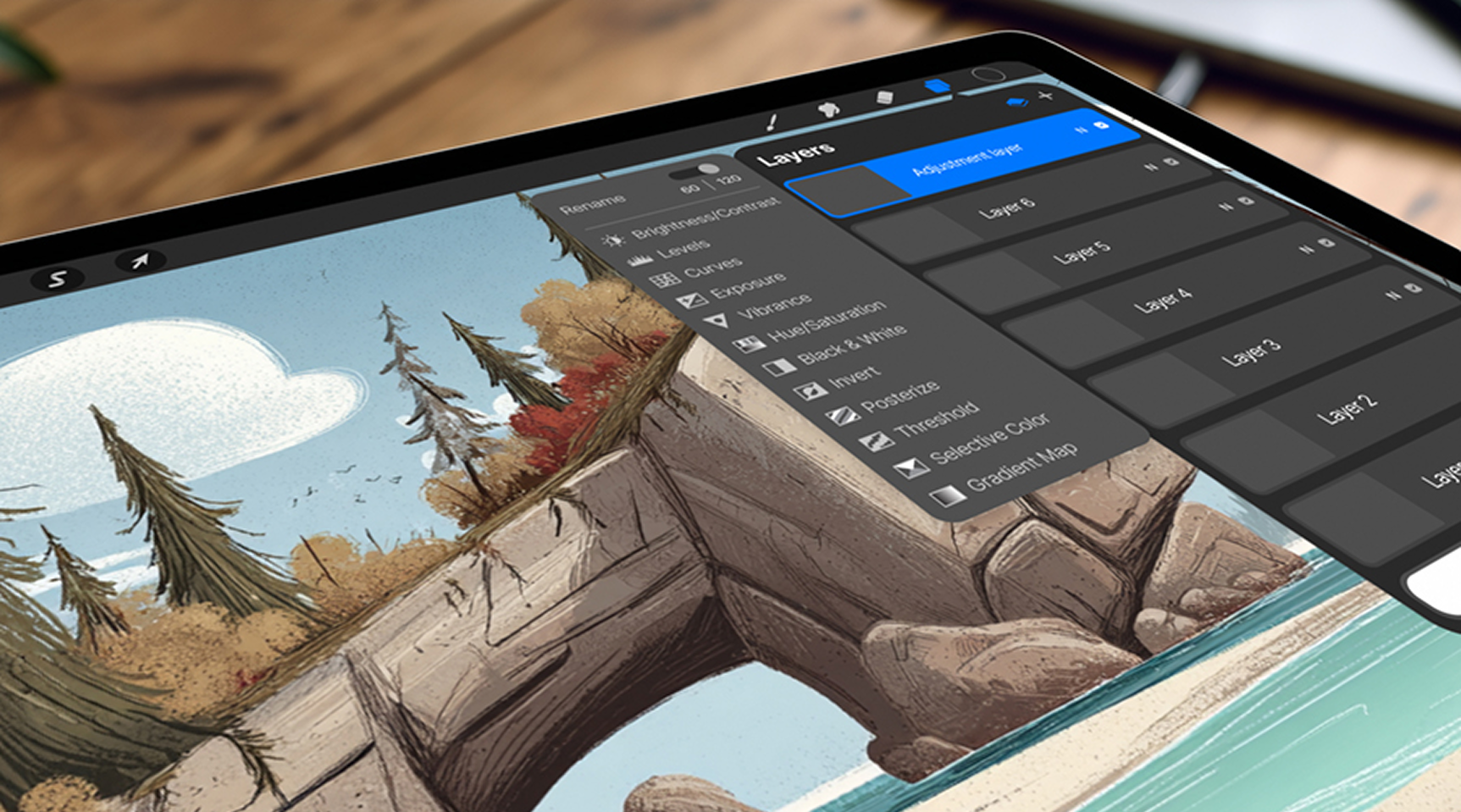
  • 01Non-destructive adjustment layers in the existing layer stack
  • 02Global controls that affect all layers beneath matching Photoshop mental model
  • 03Fly-open contextual controls for quick iteration on canvas
  • 04Performance toggle (120fps / 60fps) for adjustment-heavy workflows
Procreate adjustment layers concept on iPad

Research & Discovery

100%
of interviewed artists
leave Procreate for color grading. Breaks creative flow mid-process
Global
control expectation
Users expect adjustments to affect all layers beneath which is consistent with Photoshop's model
120fps
performance threshold
Artists accept temporary, visible tradeoffs — but hidden performance changes erode trust
Competitive Landscape
Procreate
Full non-destructive editingSteep subscriptions, desktop-only mindset
Affinity Photo
One-time price, good capabilityDesktop-first, heavier UX
Photoshop
Loved for tactile, fluid experienceNo non-destructive adjustments
Design Challenge

How might Procreate enable non-destructive, global adjustments without compromising its signature 120fps performance?

Adjustment layers interface detail

Design Execution

Adjustment Layers
Lightweight layer integration
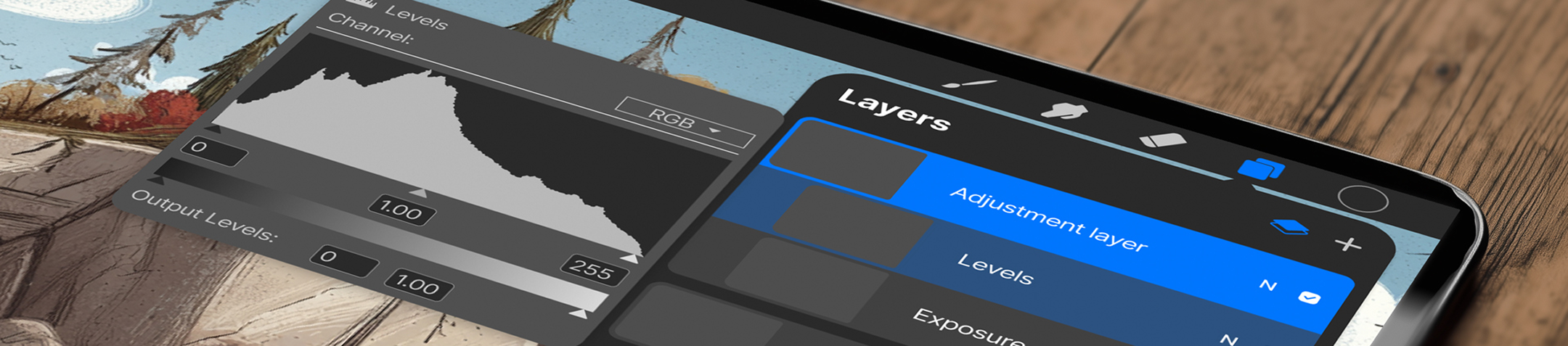
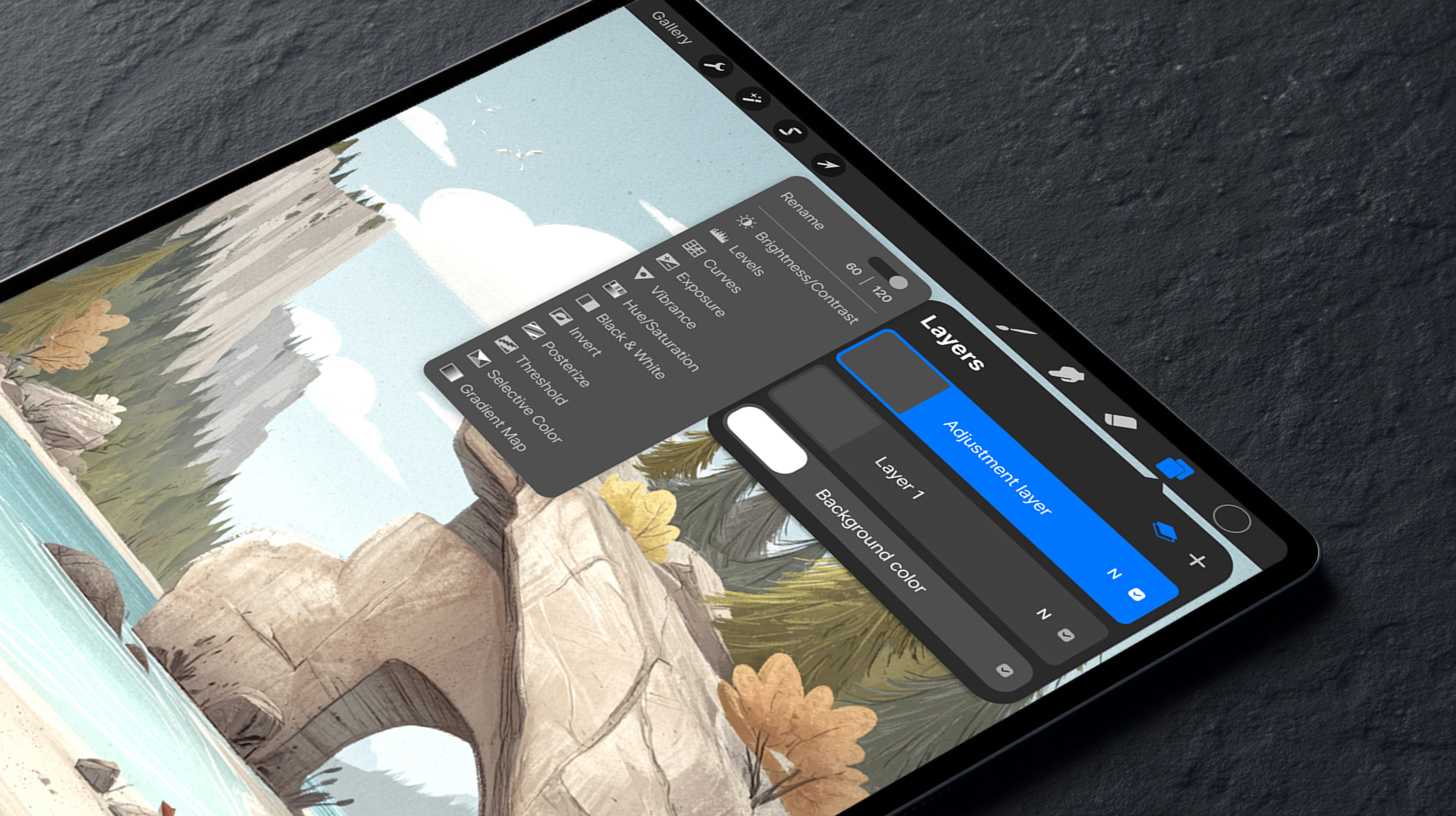
Adjustment layers live alongside standard layers and affect all content beneath them. A dedicated entry point next to the existing '+' button keeps the interaction familiar.
Contextual Controls
Fly-open adjustment panels
Controls expand inline within the layer stack, allowing quick iteration without navigating away from the canvas. Artists stay in flow while making precise edits.
Performance Toggle
Controlled frame-rate switching
Users can toggle between 120fps and 60fps during adjustment-heavy workflows. The tradeoff is visible and intentional preserving trust and control.
Preview States
Visual impact indicators
Clear visual indicators show which layers and groups are affected by each adjustment, reducing confusion in complex multi-layer compositions.

Procreate adjustment layers — screen detail
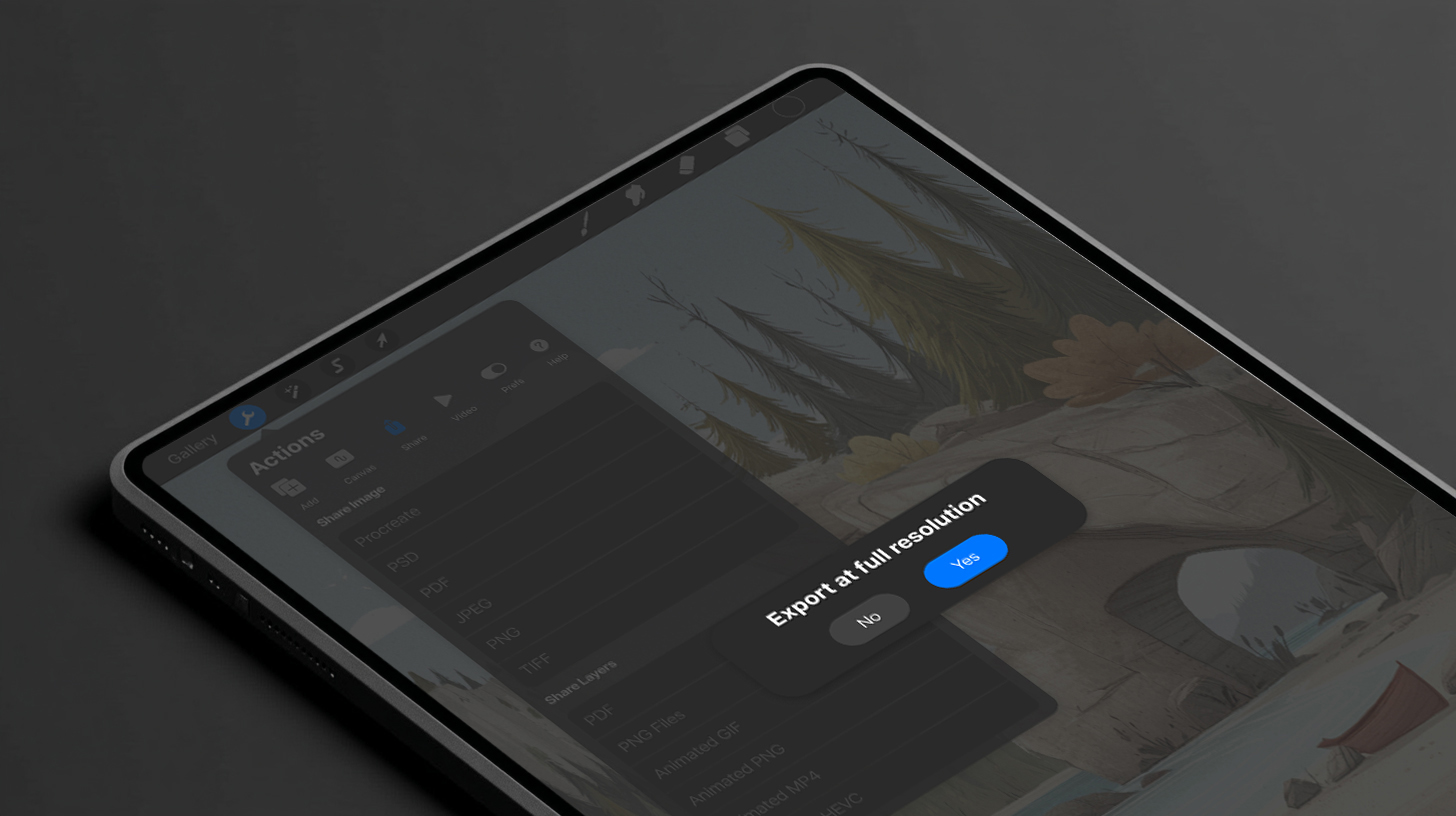
Procreate performance toggle — screen detail

Impact & Reflection

Single-app
Workflow
Artists can complete professional color grading without leaving Procreate
Zero
Destructive edits
All adjustments are fully reversible and non-permanent
Preserved
120fps experience
Performance toggle gives users visible, controlled tradeoff; no hidden degradation
Executive Summary

This concept extends Procreate's capabilities without compromising its core experience. By introducing non-destructive adjustment layers, artists can experiment freely, make iterative changes, and refine their work without risking permanent edits — bringing Procreate closer to a complete, professional-grade creative tool.